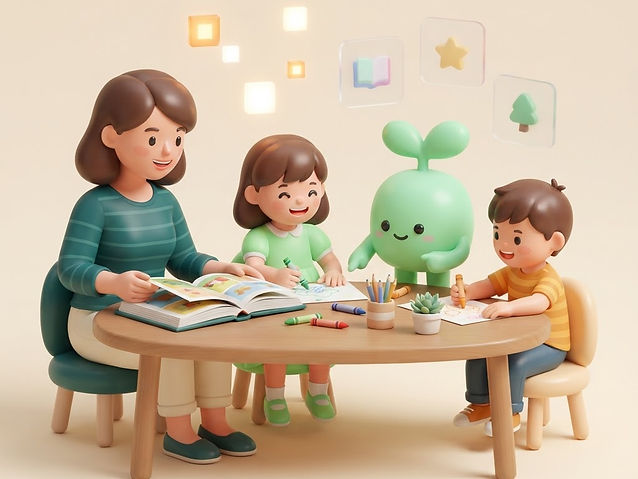
Pitched at your child's level
Reading, writing and maths levels are set for each child, so the work lands where they actually are, not where their year group is.
Homework help for ages 0–17
Grow into the new Era
Tell Growera about your child once and it plans the week for you: lessons pitched at their level, printable worksheets with answers, stories made for their reading, hands-on projects you can do with what is already at home, and a child-safe AI studio for making pictures, little films and practising with a learning buddy.
7 days of everything, free, and we do not ask for a card. Then €7.99 a month, cancel any time.
Why families use it
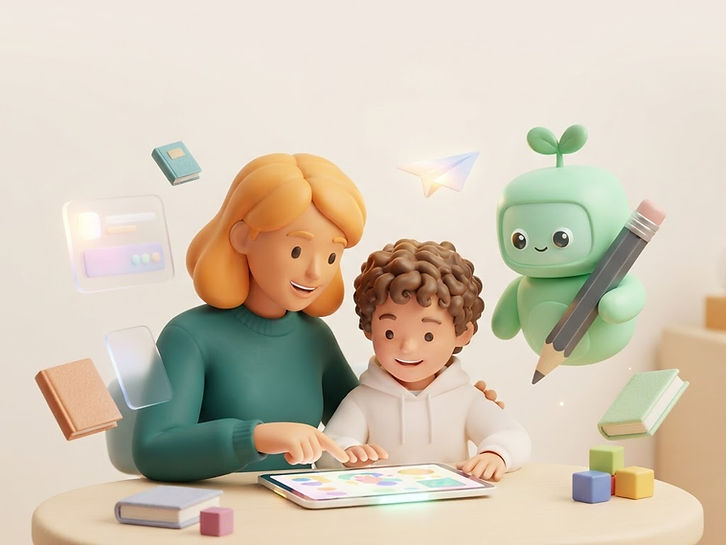
Lessons,printables,projects,progressandachild-safeAIstudioinoneplace,soyouspendyourtimelearningtogetherinsteadofplanningandhuntingformaterial.
Reading, writing and maths levels are set for each child, so the work lands where they actually are, not where their year group is.
Short on time? Drop a complete lesson or project onto today in one tap, with objectives, materials and answers already written.
Worksheets come out in A4 or Letter with room to write, and the answers for you, so pencil work still happens on paper.
A story written for your child's reading level, with new words explained and questions to talk through afterwards.
Science, building and kitchen ideas using what you already have, each with supervision notes before anyone starts.
Your child types an idea and it becomes an illustration, then a short animated film — an easy way to bring today's topic back to life.
Sprout explains things at their level, quizzes them and helps them find ideas, always nudging the thinking back to them.
Weekly plans and spaced revision keep skills moving, so you can see what is secure and what needs another go.
Up to four children, each with their own level and plan, a playful view built for small hands, and the interface in any of 12 languages.
AI, taught properly
Astudioformakingpicturesandlittlefilms,storycharactersdrawnfromafamilyphoto,alearningbuddytotalkthingsthroughwith,andshortmissionsthatbuildsafe,honesthabits.Itsitsinsidetheirlearning,notboltedonbesideit.
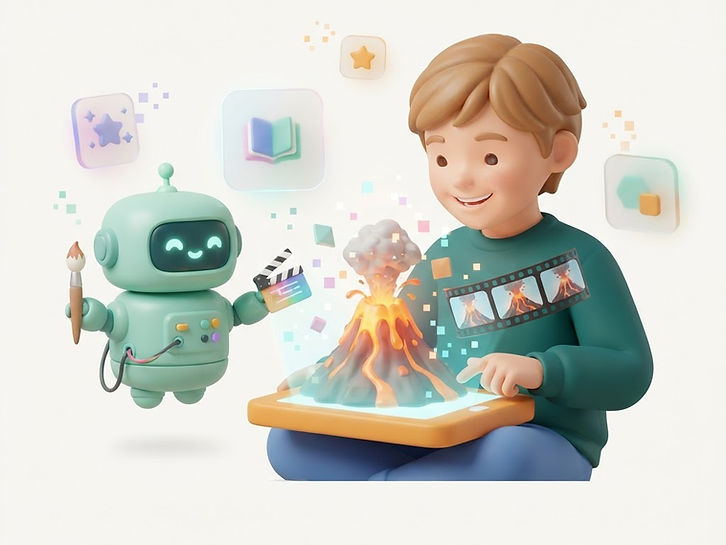
Type an idea and it becomes an illustration. Ask for “a volcano erupting with orange lava” and today's science topic is suddenly something they want to look at again.
The same idea in motion, made from three shots joined into one film: a rocket lifting off, a caterpillar hatching, rain filling a river. Add the sounds of the scene, a tune from the soundtrack library, or a narrator reading a line they write — and put someone from the family in it as the hero.
A gentle buddy that explains things at your child's level, quizzes them and helps them find ideas — helping them work it out rather than handing over the answer.
Five short missions teach what AI really is, how to ask clearly, how to check an answer, what never to type in, and how to use it honestly for schoolwork.
Upload a photo of your child, or of yourself, and Growera draws that person as a friendly cartoon character: the same hair, the same glasses, the same smile. Then they star in a story your child writes, scene by scene.

What keeps it safe
Connect Claude or ChatGPT to Growera's lesson, activity and AI Academy library, so you can plan and write learning ideas with the AI you already use. Children's profiles, messages and photos are never shared.
One endpoint, streamable HTTP. Works with Claude, ChatGPT and Cursor.
https://growera.io/api/mcpNo setup needed: open the Learning Centre inside Growera and generate lessons and ideas for your child.
"Suggest three science activities for a 7-year-old"
Chosen from Growera's activity templates, with no child profile needed.
AI Academy · ages 13 and up · in Family Everything
Writtenfor13andup,inplainlanguage,withpracticeinsteadoftips:howthesesystemsactuallywork,howtouseChatGPT,Gemini,Claude,Copilot,AIsearchandcreativetoolsproperly,andhowtotellaconfidentanswerfromacorrectone.TheAcademycomeswiththeFamilyEverythingplan,alongwiththechildren'snetwork.
AI turns up in homework, revision and coursework whether or not the school teaches it. Understanding it is basic literacy now.
These tools answer wrong things in perfect sentences. Checking every claim against a real source is the habit that protects them.
Universities and employers already expect people to work alongside AI, say where it helped, and explain their own thinking.
What they never type in, and what they declare, is what keeps AI an advantage instead of a problem.
Model-agnostic
Understand how these systems actually work, so no tool can ever bluff you again.
6 modules · Start here
OpenAI
From first chat to automatic workflows: the whole tool, used properly.
6 modules · Core course
The tool that sits inside your documents, your phone and your study notes.
6 modules · Core course
Anthropic
Long documents, careful reasoning and building real things out of a conversation.
6 modules · Core course
Microsoft
The school-and-work toolkit: documents, spreadsheets, slides and automation.
6 modules · Core course
Perplexity and friends
Find, judge and use information like someone who cannot be fooled.
6 modules · Push further
Midjourney, Canva, Suno and more
Make images, sound and short films that look and sound deliberate.
6 modules · Push further
No-code tools and first code
Stop only using AI tools and start making your own.
6 modules · Push further
48 modules: the idea, a worked example, practice you run in the real tool, a project and a self-check
Every course ends with something your teenager can show someone. Every module teaches them to check a claim, guard their privacy and be honest about what they used, because using AI well is a skill, not a shortcut.
How it works
Threesteps,andmostofthethinkingisalreadydoneforyou.
Add their age, school stage, reading and maths levels, plus what they love. Up to four children, each with their own settings.
Pick a ready-made lesson or project, or generate something new on any topic in seconds. Both land on today's plan.
Work through it together on screen, print the sheet if you want pencil work, then mark it done. Progress records itself.
New: their own device
Setupachild'sowndeviceinaboutaminute—thenhanditbacktothegrown-upviewwheneveryouwantto.
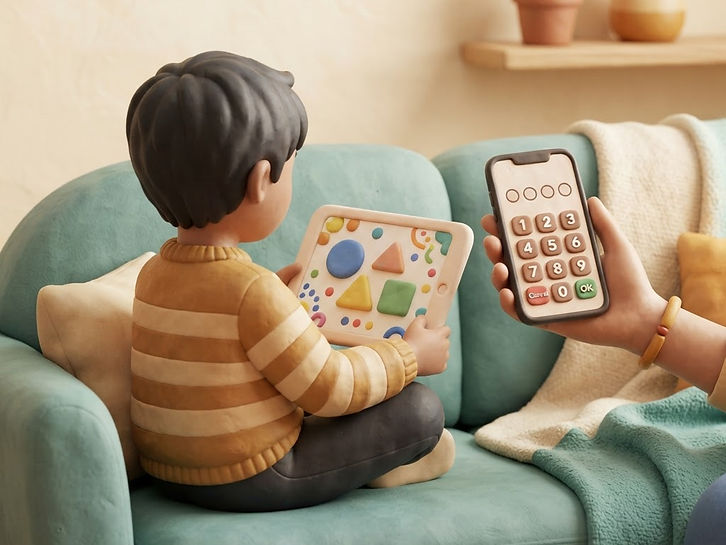
A grown-up types a six-digit code on their tablet once, then chooses a four-digit PIN. No passwords for the child to remember.
From then on that device opens straight into their own view: their lessons, their studio, their work — nothing of yours on screen.
The PIN is the only way back to the grown-up view, and any device can be removed in a tap from the Children's devices page.
A second parent can share the one family account: you both see the same children, lessons, worksheets and progress, and either of you can plan, generate and tick work off.
New · in Family Everything
Notasocialnetworkandnothinglikeone:noprofiles,nosearching,nostrangersandnothingpublic.Onlythechildrentwofamilieshaveconnectedcanreacheachother,anditisoffforeverychilduntilyouturniton.
Two families connect by passing one short code between the grown-ups. There is nothing public, no profiles to search and no requests from strangers.
Every message is checked before it arrives: links, phone numbers and email addresses are refused, and messages stay short.
Every conversation sits in your account. You can end a connection at any time, and switching a child off ends their chats straight away.
Part of the Family Everything plan, alongside the AI Academy — for the whole family, in one price.
Family Everything is 30% more than the Family plan and adds both of those, with every lesson, worksheet, story, project, the AI studio and progress tracking still included. Your first 7 days cover it all.
What is inside
Reading,writing,maths,science,stories,drawingandbuilding,alongsideweeklyplanning,progresstracking,anAIstudioformakingpicturesandlittlefilms,alearningbuddytochatwith,andamodulethatteacheschildrenhowtoaskanAItoolgoodquestionsandcheckwhatcomesback.

Reading

Writing

Maths

Science

Stories

Drawing
Building
And more each week
New ready-made lessons and projects are added to the library, so there is always something for tomorrow.
Trust and privacy
Builtforfamiliesfirst,withthechecksinplacebeforeachildeverseesanactivityoranAItool.
Every hands-on activity carries supervision notes and safety warnings, and anything age-inappropriate is kept out.
Every idea a child types is screened first, the rules given to the AI are ours rather than theirs, no personal details are ever asked for, and there is no open chat with strangers.
Every picture and film a child makes stays in your family's account, and their gallery is there for you to look through whenever you like.
Kid mode shows only their own work in a playful layout built for small hands, with no way into the parent settings.
Each account sees only its own children, lessons and progress, so nothing is ever visible to another family.
No advertising, no in-app purchases aimed at children, and nothing that nudges them to ask you for anything.
Plans
Startwith7daysfreeandnocarddetails,witheverythingunlocked.Afterthat,Familycoversthewholelearninglibrary,FamilyEverythingaddstheAIAcademyandthechildren'snetwork,andtheTeacherplansetsthesamethingupforaclassof30.Nothingyousavediseverdeleted,soyoucancomebacktoitwheneveryouareready.
The whole learning library for up to four children, taught to their own level.
€7.99 per month
or €69.99 per year
Not in this plan
All of Family, with the two things older children ask for.
€10.39 per month
or €90.99 per year
Everything in Family Everything, set up for a classroom or a care setting.
€49.99 per month
Billed monthly, cancel any time.
Payment is handled by Base44 Payments on a secure checkout page, so no card details ever touch this app. Cancel any time and you keep access until the end of the period you have paid for.
Questions
Grow into the new Era
Yourfirst7daysareonus,witheverylesson,worksheet,story,projectandAItoolunlocked.Setupachildprofileandyoucanstarttoday.